
 n
nWhat's Included in Website Maintenance After Launch? (Full Guide)
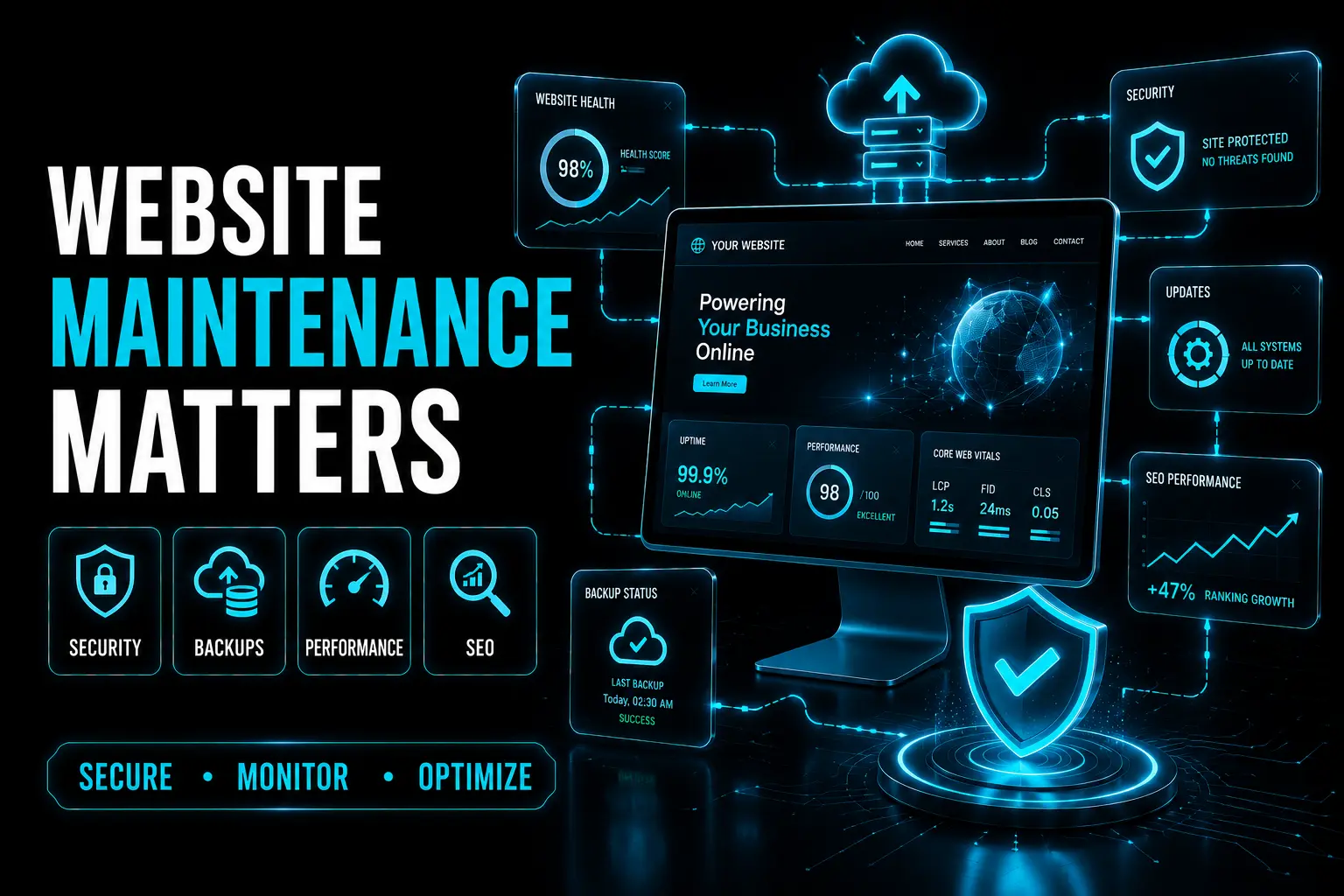
Website maintenance keeps your site secure, fast, optimized, and reliable after launch. Regular updates, backups, SEO monitoring, and performance optimization protect your investment while improving user experience and long-term business growth.
Introduction
Launching your website is only the beginning. Without ongoing maintenance, websites become slower, less secure, and more vulnerable to technical issues. Regular website maintenance protects your investment, improves performance, strengthens security, and helps maintain search engine rankings while providing visitors with a reliable experience.
1. The Six Essential Areas of Website Maintenance
Every effective maintenance plan should include: • Security updates for CMS, plugins, themes, and server software • Performance monitoring to maintain fast loading speeds • Content updates to keep information accurate • SEO maintenance including metadata and crawl monitoring • Automated off-site backups for disaster recovery • Broken link and error monitoring to fix technical issues before users notice them These six areas work together to keep websites secure, reliable, and optimized for long-term success.
2. What Happens When You Skip Website Maintenance?
Ignoring website maintenance can result in serious business problems. Common risks include: • Security breaches from outdated software • Slower website performance • Declining SEO rankings • Broken forms and integrations • Increased downtime • Lost leads and revenue • Expensive emergency repairs Preventative maintenance is always more affordable than recovering from a major website failure.
3. Website Maintenance Costs in the US
Typical monthly maintenance pricing includes: • Basic Plan: $150–$300/month • Standard Plan: $400–$800/month • Full-Service Plan: $800–$2,000/month • Enterprise Support: $2,000+/month Pricing depends on website size, traffic, integrations, content updates, and support requirements. Investing in regular maintenance reduces long-term repair costs and protects business operations.
4. DIY vs. Professional Website Maintenance
Businesses can either manage maintenance internally or work with a professional support team. DIY maintenance works best when: • The website is small • Technical knowledge is available • Downtime has minimal business impact Professional maintenance is recommended when: • The website generates leads or sales • Customer accounts or payments are involved • Performance and uptime directly affect revenue • Ongoing technical expertise is required Many businesses choose a hybrid approach by monitoring performance internally while outsourcing technical maintenance.
5. What a Good Website Maintenance Plan Includes
A quality maintenance service should provide: • Monthly maintenance reports • Security monitoring and updates • Performance optimization • Response time SLA for critical issues • SEO monitoring • Regular content updates • Off-site backups • Human review and proactive support Avoid maintenance plans that only perform automatic updates without monitoring, reporting, or technical support.
6. Your First 90 Days After Website Launch
Week 1–2 • Configure Google Analytics and Search Console • Submit XML sitemap • Test forms and user journeys • Enable SSL certificate • Set up uptime monitoring Month 1 • Run performance audits • Check crawl errors • Update plugins and CMS • Verify automated backups Month 2 • Review website content • Check heatmaps and user behavior • Fix broken links • Analyze traffic performance Month 3 • Review keyword rankings • Audit metadata • Compare Core Web Vitals • Optimize conversion funnels • Plan future content improvements
Conclusion
Website maintenance is an ongoing investment that protects security, improves performance, maintains SEO rankings, and supports long-term business growth. Regular updates, monitoring, backups, and optimization help prevent costly downtime while ensuring your website continues to deliver a reliable experience for users and consistent results for your business.