
 n
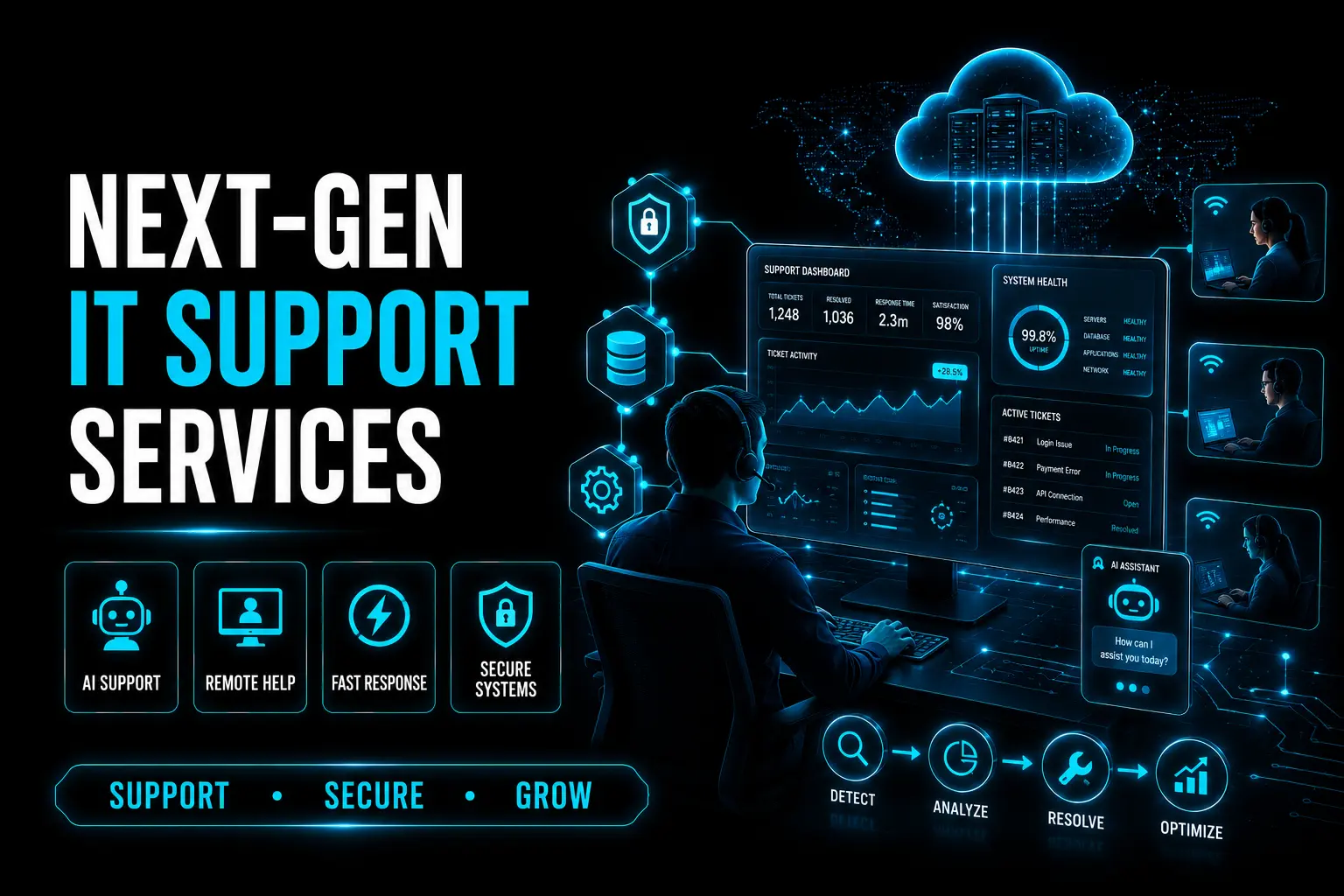
Next-Gen Support Services: Smarter IT Help for Growing Companies
Discover how next-gen support services are helping growing companies with smarter IT support, faster issue resolution, remote assistance, automation, and improved business efficiency.
Introduction
In today’s fast-changing IT landscape, support services have become a core part of business growth. The latest industry trends show that companies are moving toward smarter, faster, and more automated support models to improve efficiency and reduce downtime. For growing businesses, modern support services are no longer just a back-office function — they are a critical part of daily operations.
AI-Powered Support Is Changing the Game
Recent support service trends show a strong shift toward AI-powered help desks and automation. Businesses are using intelligent systems to route tickets, suggest solutions, and handle common requests more quickly. This helps IT teams save time, improve response speed, and focus on more complex issues that need human expertise.
Remote Support Is Becoming a Business Need
Latest updates in the support services space highlight the growing importance of remote assistance. As hybrid work and cloud-based systems continue to expand, companies need support teams that can solve problems from anywhere. Remote support makes it easier to maintain smooth operations, improve flexibility, and keep teams productive across locations.
Security and Reliability Are Top Priorities
The newest support service trends also show that security has become a major concern for businesses. With cyber risks increasing, companies need support systems that can respond quickly while protecting data and infrastructure. Next-gen support services combine technical help with stronger security awareness, helping businesses stay reliable and safe while they scale.
Smarter Support Means Better Growth
Recent industry insights make it clear that smarter support services help businesses grow with confidence. Faster issue resolution, automation, and proactive service models reduce downtime and improve the overall user experience. For growing companies, this means better productivity, fewer disruptions, and stronger long-term performance.
What do L1, L2 and L3 IT support levels mean?
L1, L2 and L3 are tiers of IT support arranged by technical depth. L1 handles first contact and common requests, L2 handles issues that need deeper troubleshooting, and L3 handles the most complex problems that need specialist or vendor expertise.
A tiered model lets simple requests such as password resets get resolved quickly while specialists stay focused on harder problems. The important part is a clear escalation path, so a ticket moves up with all the information already gathered and the user does not have to explain the problem again.
| Level | Typical work | Who handles it |
|---|---|---|
| L1 | Password resets, access requests, basic how-to questions | Service desk agents |
| L2 | Device, network and software troubleshooting | Experienced technicians |
| L3 | Server, infrastructure and complex system issues | Engineers, specialists or vendors |
What is the difference between an incident, a service request and a problem?
An incident is an unplanned interruption or loss of quality in a service, a service request is a routine ask for something standard, and a problem is the underlying cause of one or more incidents. These terms come from ITIL, a widely used framework for IT service management.
The distinction matters because each is handled differently. Incidents are about restoring service as quickly as possible, even with a temporary workaround. Service requests, such as a new laptop or software access, follow a predictable fulfilment process. Problem management looks for the root cause so the same incidents stop recurring.
A support provider that only closes incidents without tracking problems may keep fixing the same issue every week. When reviewing a provider, ask how they identify repeat incidents and how root causes are recorded and resolved.
What should an IT support SLA include?
An IT support service level agreement should define what is covered, support hours, priority levels, response and resolution targets for each priority, escalation steps and how performance will be reported. It turns general promises into measurable commitments.
Response time and resolution time are often confused. Response time is how quickly someone acknowledges and starts working on a ticket, while resolution time is how long it takes to restore service or complete the request. Priorities are usually set by combining impact, meaning how many people or systems are affected, with urgency, meaning how quickly the business is harmed.
Also check coverage hours, such as business hours only or round the clock, how on-site visits are handled, what is excluded, and what happens when targets are missed. Regular reports showing ticket volumes, targets met and recurring issues help you judge whether the service is improving over time.
Should you choose managed IT support, break-fix support or an in-house team?
Managed support suits businesses that want predictable costs and proactive maintenance, break-fix suits very small setups with occasional needs, and an in-house team suits organisations with complex systems that need constant on-site attention. Many companies use a mix of these.
Break-fix means you pay only when something goes wrong. It can look cheaper, but there is little incentive for prevention and costs are hard to predict. Managed support usually charges a regular fee per user, device or service, and includes monitoring, patching and help desk access, which shifts the focus towards preventing issues.
An in-house team gives direct control and deep knowledge of your environment, but it requires hiring, training and cover for leave. A common approach for growing companies is a small internal IT contact supported by an external provider for help desk, monitoring and specialist skills.
How do you prepare for a move to a new IT support provider?
Start by documenting what you have: devices, users, software licences, cloud services, network equipment and who holds administrator access. A clear inventory makes onboarding faster and reduces the risk of gaps during the switch.
Before the move, make sure all critical accounts and passwords are owned by your business and stored securely, check that backups exist and have been tested, and gather any existing documentation or known issues. Agree an onboarding plan with the new provider that covers access handover, monitoring setup and a review period after go-live.
Finally, tell your staff how to raise tickets, what the support hours are, and who to contact in an emergency. Clear communication in the first few weeks helps the new arrangement settle in smoothly. VayuZon Technology can help businesses plan and manage this kind of IT support setup.
Conclusion
The future of IT support is smarter, more responsive, and more business-focused. Companies that adopt next-gen support services can improve efficiency, strengthen operations, and stay ahead in a competitive market. For growing businesses, investing in modern support is an important step toward sustainable success.