
 n
nGoogle Stitch vs Figma: How AI Is Changing UI/UX Design in 2026
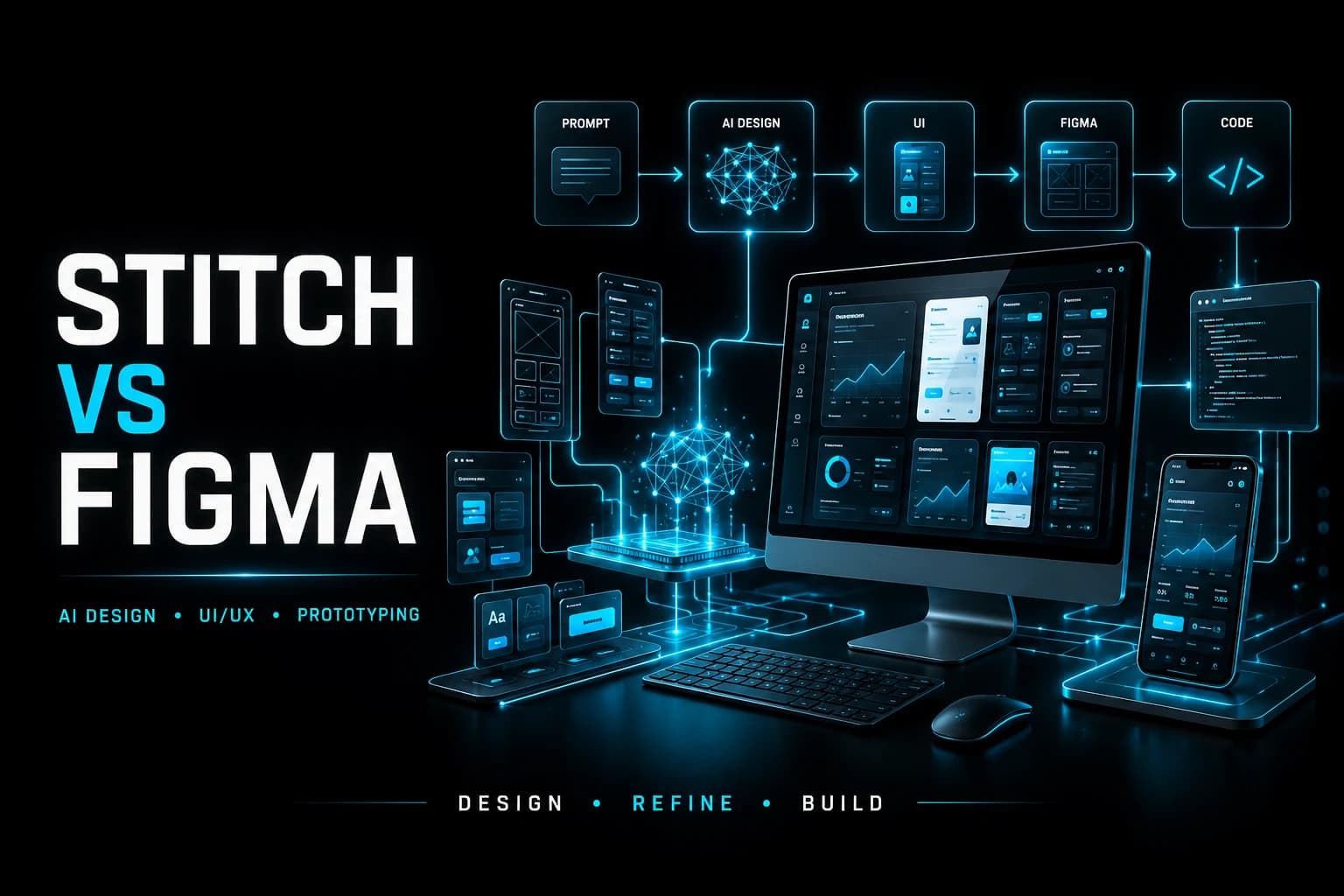
Google Stitch is changing how designers and developers approach UI/UX design by generating complete interface screens from text prompts and images. Instead of manually creating every layout, component, and visual element from scratch, AI can now generate a strong first draft that can be refined and developed further.
Introduction
I still remember the first time I opened Figma.
A blank canvas. A few frames. Some rectangles pretending to be buttons.
That was design.
You dragged. You aligned. You adjusted spacing. You changed fonts. You argued with padding. Slowly, a screen was born.
Now imagine typing one sentence:
Create a modern fintech dashboard with a dark theme and analytics cards.
And within seconds, full screens appear. Clean layout. Color palette ready. Buttons styled. Even code generated.
That is what Google Stitch is doing.
And if you are into UI/UX, product design, or frontend development, this moment matters.
This shift shows how AI is beginning to change the traditional design workflow while still keeping human design thinking at the center.
The Shift No One Saw Coming
For years, tools like Figma have been the home of designers. From wireframes to polished UI, everything lived there. Teams collaborated. Developers inspected designs. Startups launched products.
Then AI entered the room.
Google introduced Stitch, an AI-powered design tool that generates user interfaces from text prompts and images.
Not templates. Not partial layouts. Complete screens.
And suddenly, the design process feels different.
AI is reducing the time required to move from an initial idea to a usable interface concept.
What Exactly Is Stitch?
Stitch is an AI design tool that lets you describe an interface in plain language. It then generates UI screens based on your description.
You can:
• Type a prompt • Upload a sketch • Upload a screenshot • Ask for multiple variations • Export to Figma • Export frontend code
Instead of manually building every card, button, and section, Stitch handles the first draft.
It feels like brainstorming with a machine.
The biggest advantage is the ability to quickly explore different interface directions before investing significant time in detailed design work.
Why This Feels Different From Other AI Tools
We have seen AI image generators. We have seen AI code assistants.
But Stitch sits in a powerful position.
It connects design and development.
It does not just generate a picture. It creates structured UI layouts that can move into Figma or directly into code.
That reduces the gap between idea and execution.
For startup founders, solo developers, and product teams, that speed matters.
Stitch can help teams move from an idea to a visual prototype much faster while allowing designers and developers to continue refining the result.
But Where Does Figma Stand Now?
Here is the important part.
Figma is not disappearing.
Figma is still where serious design work happens.
Collaboration Design systems Component libraries Prototyping Team feedback Developer handoff
Even if Stitch generates the first version, designers can still refine the interface inside Figma.
Think of it like this.
Stitch gives you a strong first draft.
Figma helps you perfect it.
The two tools can therefore work together rather than necessarily replacing one another.
Stitch vs Figma: Cost Comparison
Cost is another important difference when comparing AI-assisted design workflows with traditional design platforms.
Google Stitch: Stitch is positioned as an AI-powered design tool and its availability and pricing can change as the product evolves.
Figma Starter: Free, with limited access to Figma products and features.
Figma Professional: $16/month, approximately ₹1,520/month based on an exchange rate of about ₹95 per US dollar.
Figma Organization: $55/month, approximately ₹5,225/month based on an exchange rate of about ₹95 per US dollar.
Figma Enterprise: $90/month, approximately ₹8,550/month based on an exchange rate of about ₹95 per US dollar.
Figma pricing depends on the plan and seat type, so the actual cost for a team can vary. The INR amounts above are approximate currency conversions rather than official INR billing prices.
For individuals and small teams, the free Figma Starter plan can be useful for basic design work, while paid plans provide additional collaboration, prototyping, developer handoff, administration, and organization features.
A Realistic Workflow in 2026
Let’s imagine you are building a fitness app.
Step 1: You prompt Stitch:Create a mobile fitness app home screen with workout stats and a progress chart.
Step 2: Stitch generates 3 design variations.
Step 3: You export the best version to Figma.
Step 4: Inside Figma, you adjust spacing, improve typography, fix accessibility, and align with brand colors.
Step 5: You export assets or code.
This workflow can save significant time during early design stages.
But it does not remove the need for design thinking.
Is AI Replacing UI/UX Designers?
This is the question everyone is asking.
The short answer is no.
AI can generate layouts. It can suggest colors. It can create structured components.
But it does not fully understand:
• Real user pain • Accessibility depth • Cultural context • Business goals • Long-term product strategy
Design is not just pixels. It is problem solving.
Stitch accelerates the process. It does not replace the human behind it.
Human designers are still responsible for understanding users, defining product direction, validating design decisions, and creating meaningful experiences.
Why Developers Should Care
If you are a Flutter developer, React developer, or frontend engineer, this shift is important.
Instead of waiting days for UI drafts, you can prototype faster.
You can validate ideas earlier.
You can even generate quick UI concepts for client pitches.
Stitch lowers the entry barrier for clean interface design.
But you still need design sense to choose what actually works.
For developers, AI-generated interfaces can also provide a faster starting point for frontend implementation and experimentation.
The Bigger Picture: AI + Design Is Just Beginning
We are moving into a phase where:
• AI generates first drafts • Designers refine • Developers implement faster • Iterations happen quicker
The distance between idea and product is shrinking.
And that is exciting.
Because the faster you test ideas, the faster you learn.
AI-assisted design is becoming another part of the product development workflow, connecting ideation, design, development, and iteration more closely.
Should You Learn Figma in 2026?
Yes.
More than ever.
AI tools will come and go.
But understanding layout, hierarchy, spacing, typography, and user behavior will always matter.
Tools change.
Principles stay.
If you know design fundamentals, you can use Stitch better than someone who only knows prompting.
Tools Change.Principles Stay.
Learning Figma alongside AI design tools gives designers and developers a stronger understanding of how generated interfaces should be evaluated, refined, and implemented.
Final Thoughts
When I first opened Figma, design felt manual and slow.
Today, with Stitch, design can feel almost instant.
But here is the truth.
Speed is powerful.
Understanding is powerful.
Together, they are unstoppable.
Stitch is not the end of UI/UX design.
It is the beginning of a new design workflow.
And if you learn how to combine AI with real design thinking, you will not just survive this shift.
You will lead it.